 ToolPDFs
 Made for iPhone
Professional invoices.Made in seconds.
Create, export, and track professional invoices from your iPhone. Everything stays private on your device, exactly where your business belongs.
Free to download · No account required
Made for the pace of real work
From first detail to final invoice, without leaving your flow.
Invoice Generator keeps the essentials beautifully simple, so billing feels like a quick finish instead of another task.
See it in action
Built for the business you run.
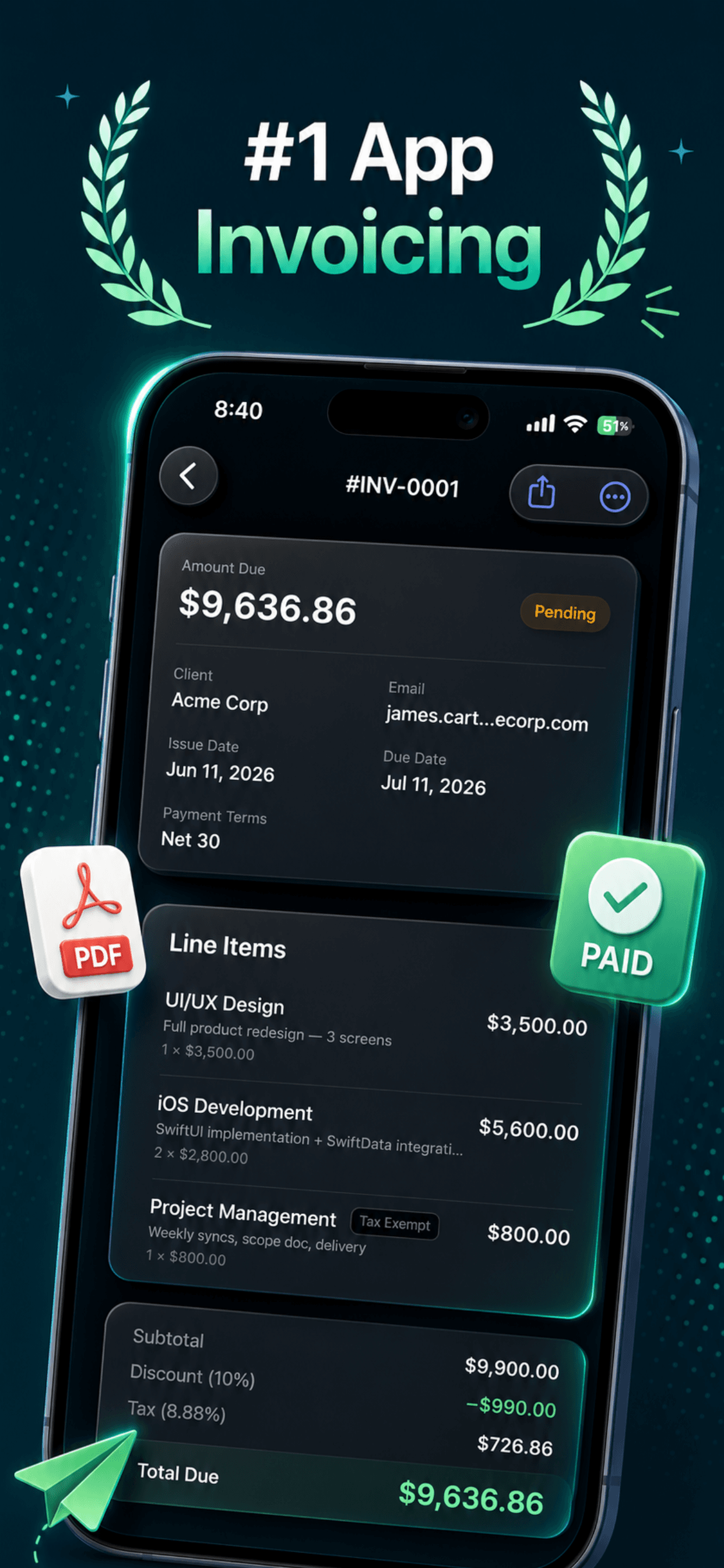
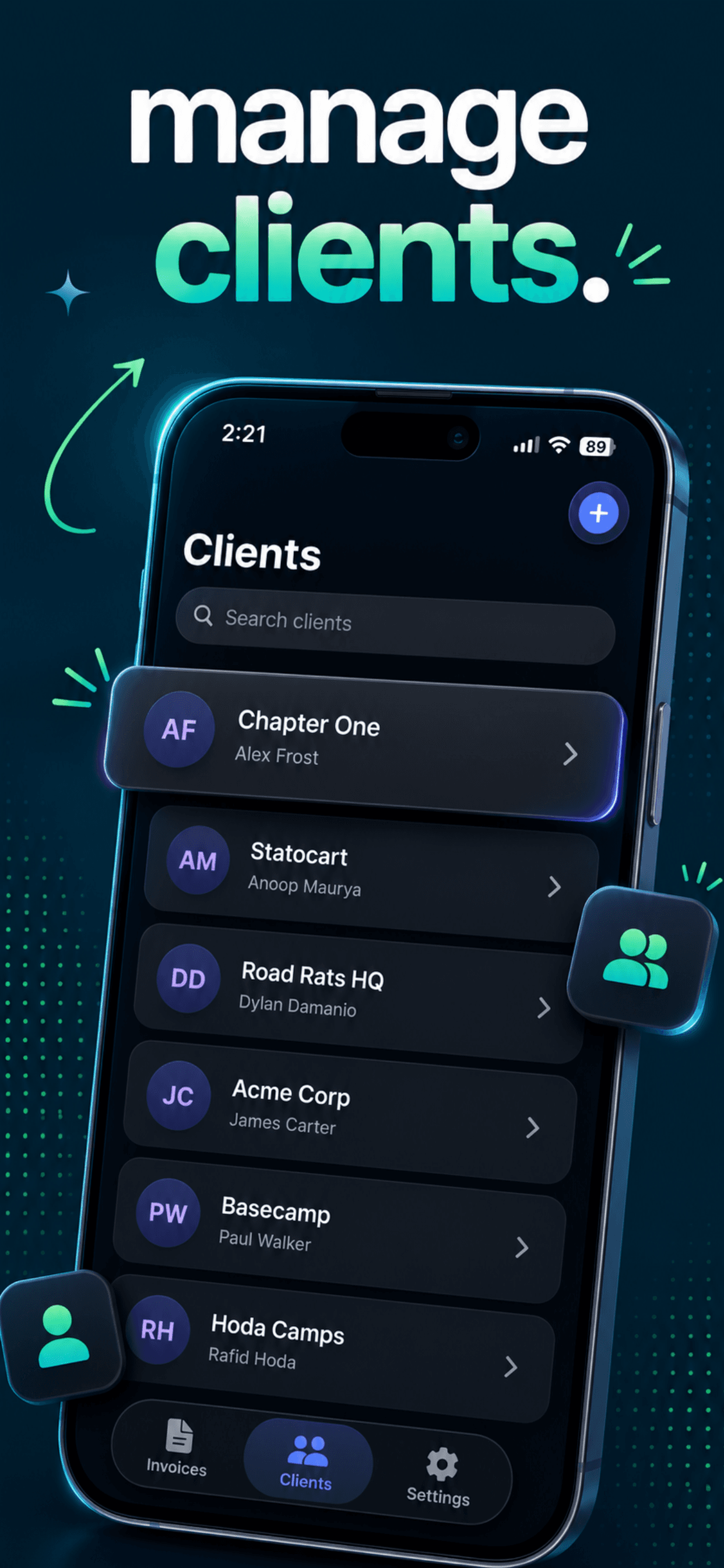
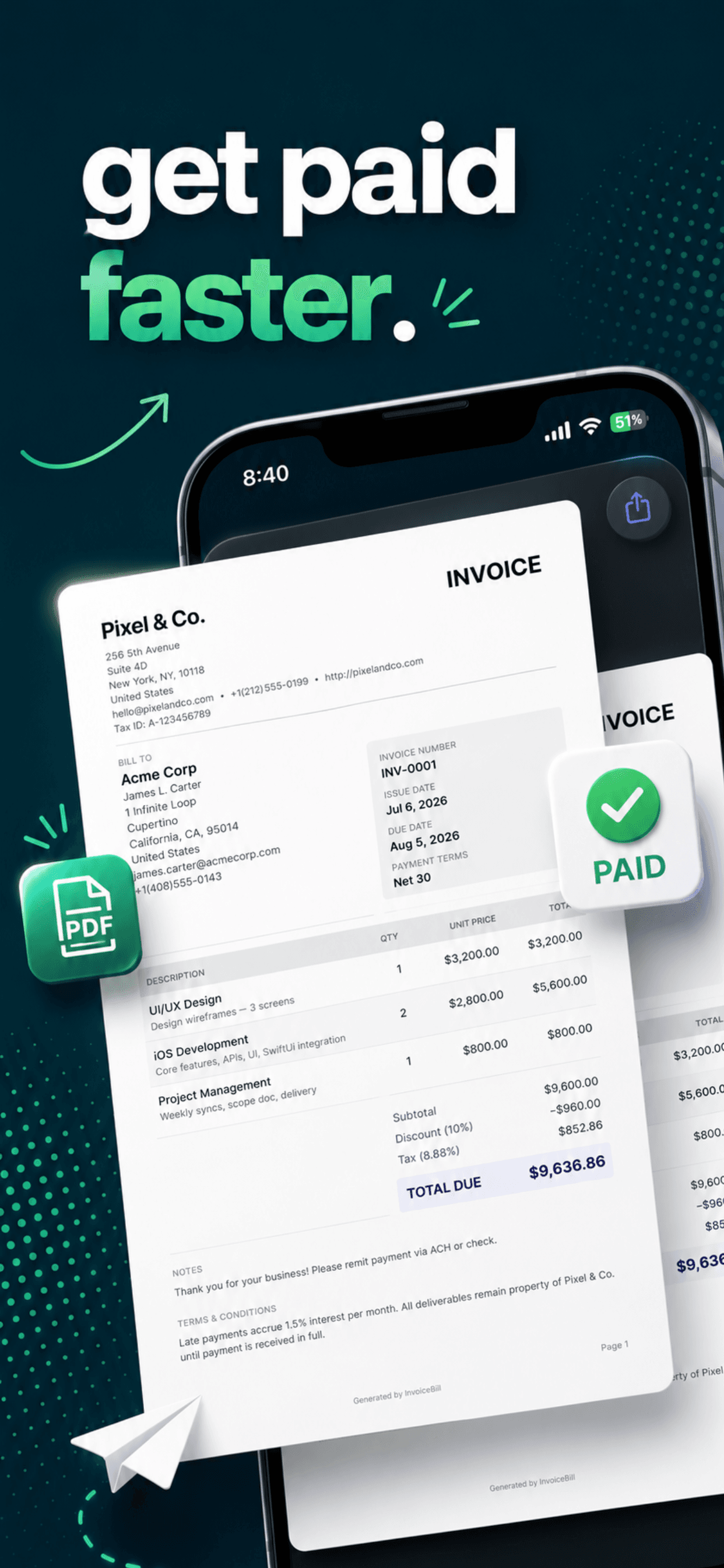
Create, manage, export, and track every invoice from one focused iPhone app.
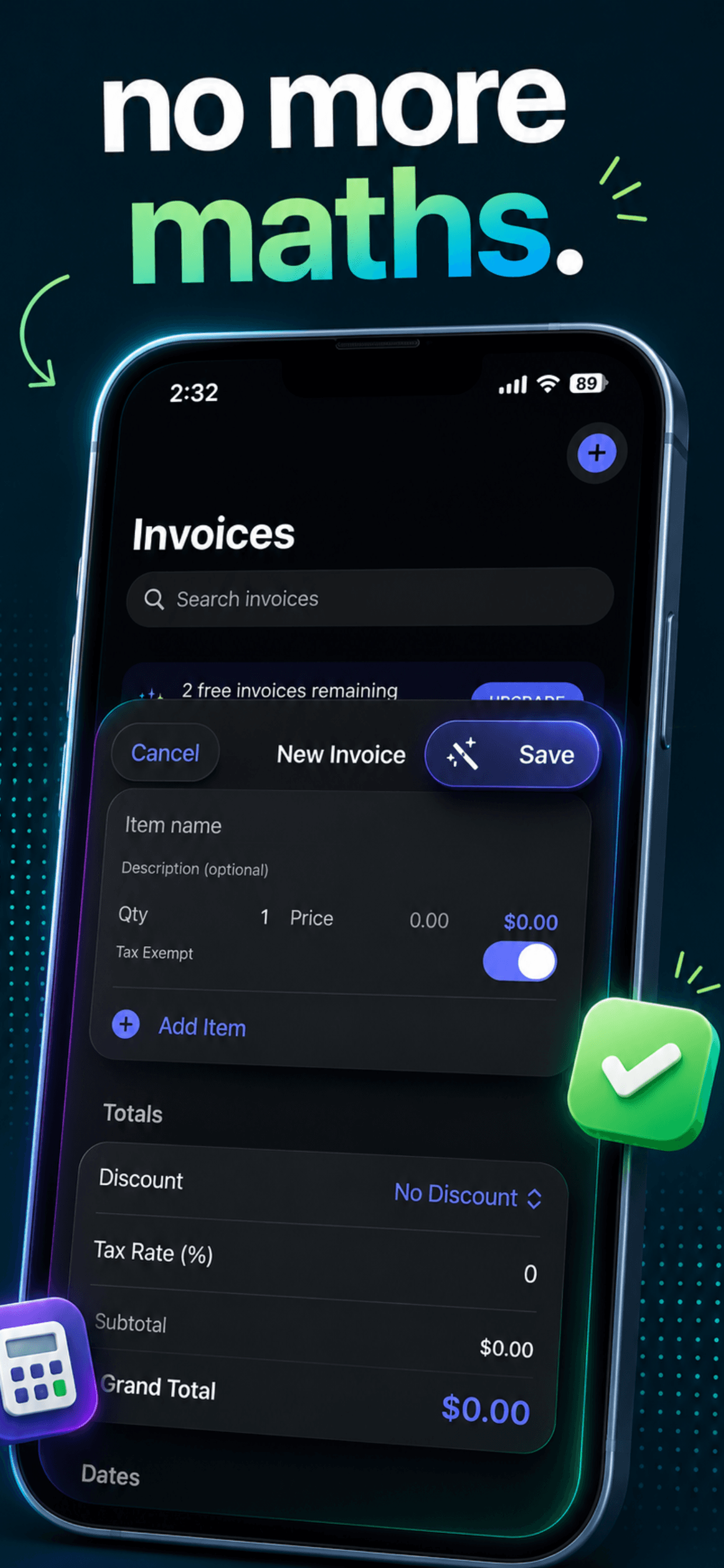
Moving preview · Hover to pause
Privacy by design
Your business stays your business.
Your clients, invoice history, and business details live on your iPhone with SwiftData. There is no server holding a copy of your work.
FAQ
Frequently asked questions
Is my invoice data uploaded to a server?+
No. All invoice data is stored locally on your iPhone using SwiftData. Nothing is uploaded to any server at any time. Your clients, prices, and business details stay on your device.
Does the app work without an internet connection?+
Yes. Invoice Generator: PDF Bills works fully offline. An internet connection is only needed to download the app from the App Store and to process in-app purchases.
Can I export invoices as PDF?+
Yes. Every invoice can be exported as a professional PDF with one tap, ready to share via email, AirDrop, or Messages directly from the app.
How do I cancel my subscription?+
Subscriptions are managed entirely through Apple. Open Settings on your iPhone, tap your name, then tap Subscriptions, find Invoice Generator: PDF Bills, and tap Cancel Subscription.
What iOS version is required?+
Invoice Generator: PDF Bills requires iOS 17 or later.
Is the app free to download?+
Yes. The app is free to download from the App Store. An optional in-app purchase unlocks premium features. Core invoicing functionality is available without a subscription.
Make the invoice.
Move on with your day.
Professional invoicing that respects your time and your privacy.
Free to download · No account required
Need a quick document task too?
Explore 57 free browser tools